

 |
 |
 |
 |
Welcome to F# Weekly,
A roundup of F# content from this past week:
News
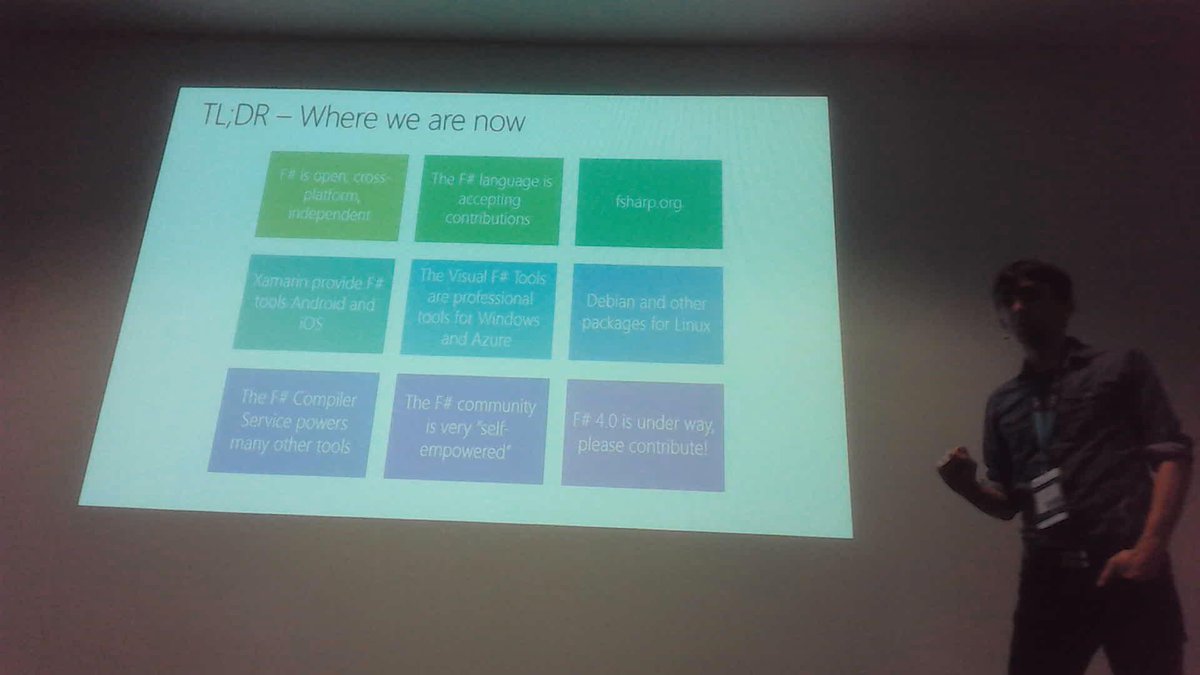
- Call-to-action from Don Syme: Join the F# Foundation & help promote, protect, and advance the language!
- WebSharper goes Apache right now. v3.0 is coming.
- WebSharper migration to GitHub is completed!
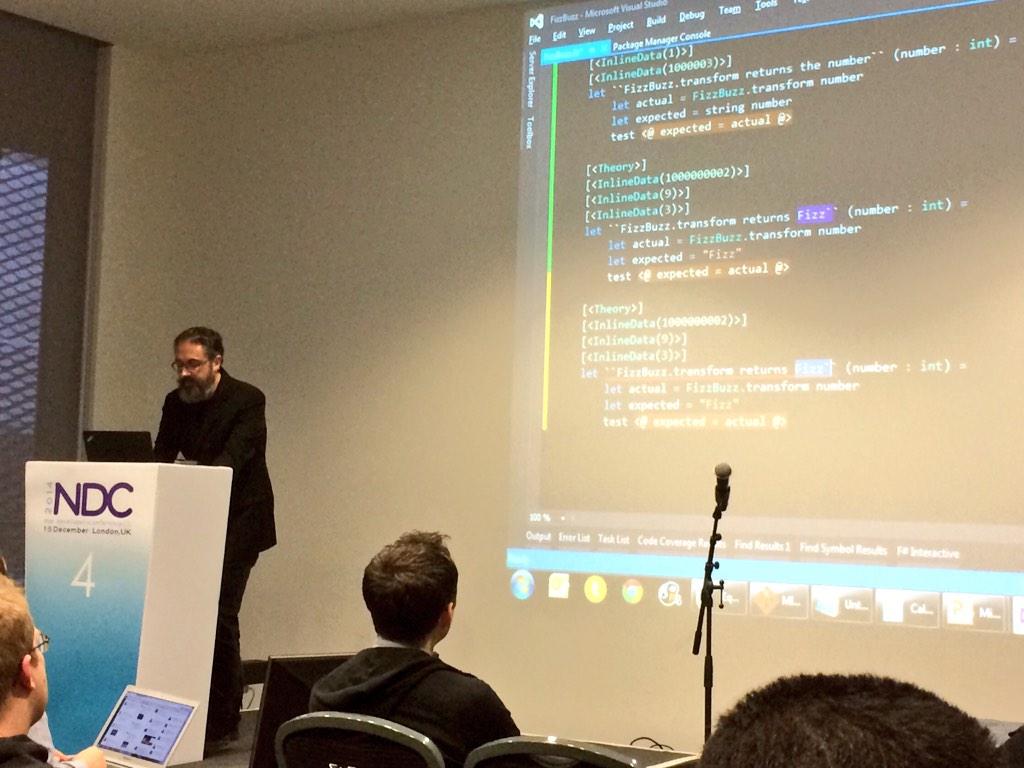
- Tons of fun videos from NDC London (full list of talks).
- FAKE has 100 contributors and they managed to open the license.
- Akka.NET needs more F#’ers to eval our F# API.
- FSharp.Core now available on NuGet in a sane manner.
- Get up to 30 Pluralsight courses in your MSDN subscription.
- Do not miss “Introducing .NET Core“.
- Want F# IntelliSense support in LinqPad? Vote here.
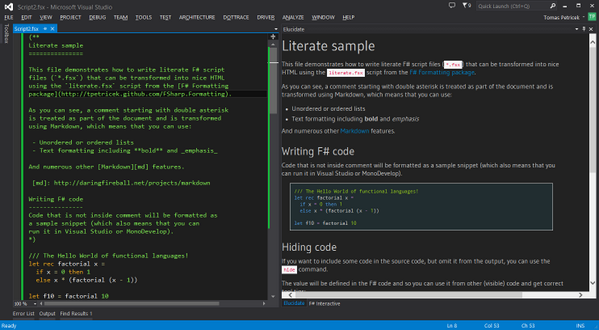
- Matthew Moloney presented F# text editor in 3D with syntax highlighting.
Videos/Presentations/Courses
- The F# Way To Relaxation (slides) by Don Syme (there are some problems with audio)
- Railway oriented programming: Error handling in functional languages by Scott Wlaschin
- Write Your Own Compiler in 24 Hours (slides and code) by Phillip Trelford
- Equivalence Classes, xUnit.net, FsCheck, Property-Based Testing by Mark Seemann
- Mona Lisa, F# and Azure: simple solutions to hard problems by Mathias Brandewinder
- Functional programming design patterns (slides) by Scott Wlaschin (comming soon)
- Biological Computing in F# by Rasmus Petersen and Colin Gravill
- Actor-based Concurrency with F# and Akka.NET (+code) by Akim Boyko
- Above and beyond Python programming FSharp for Trading and Finance by Bryan Downing
- Understanding social networks with F# (slides & code) by Evelina Gabasova
- Event Sourcing by Michael Newton
- F#, this aint a game by Andrea Magnorsky (slides)
- Elixir Language, Concurrency, Iteration by José Valim
- My adventure with Elm by Yan Cui
This week from F# Advent Calendar in English
- FsCheck and property-based testing – Scott Wlaschin
- Snowflakes – Philae Trelford
- My Introduction to Data Science with F# – Jon Wood
- Distributing the F# Mailbox Processor – Isaac Abraham
- Decorating Immutable Christmas Trees – Richard Dalton
- Christmas F# Polymorphism – Steve Shogren
- Developing an Algorithm in F#: Fast Rotational Alignments with Gosper’s Hack – Richard Minerich
This week from F# Advent Calendar in Japanese
- Computation Expressions Tips – pocketberserker
- AutoOpenAttribute– htid46
- Introduction to ApiaryProvider – otf
- F# Project Scaffold: Getting started – yukitos
- 実例に見るSource変換活用術 – bleis-tift
- State in computation expressions– kos59125
- FSharpLint: Linter for F# code – k_dispose
Blogs
- Predicting Physician Gender Using AzureML and F# – Jamie Dixon
- Using F# and FFmpeg to take thumbnails from video – Erlend Wiig
- F(by) 2014: Photos and slides.
- Extending a 3rd-party API with F# units of measure – Lincoln Atkinson
- Generating Permutations: Clojure or F#: Part 2 – Boris Kogan
- Modelling Stochastically Independent Processes with F# Computation Expressions: Part 1 – Boris Kogan
- Being visually honest with F# – Yan Cui
- F# Functions Explained – Currying & Partial Application – Ankit Solanki
F# vNext News
- Schedule plans for the remainder of Visual F# 4.0 development.
- Recently accepted PRs:
- Recently proposed PRs (please review and comment):
- Recently proposed ideas:
New releases
- Paket 0.17.19.
- FSharp.CloudAgent 0.3
- WebSharper 2.5.134
- Stanford.NLP.* v3.5 and Stanford.NLP.Parser.Fsharp v0.0.9 using new IKVM for Java8.
- FSharp.Core 3.1.2
- FSharp.Configuration 0.4.6.
- FSharp.Control.Reactive 3.0.1
- R.NET F# Utility 0.1.11
- FSharp.Actor-logary 2.0.1
- EaToSql 0.0.5-alpha
- Chrisjdobson.WebSharper.SignalR 0.4.1
- Suave 0.19.1
That’s all for now. Have a great week.
Previous F# Weekly edition – #48