NuGet dependency visualizer with F# and Graphviz

Script for this article is available as public Gist.

For a long time I was interested in what is going on on NuGet. I think that NuGet UI does not provide one important piece of information – which packages depend on current packages. This information is very useful for package authors and also can help a user to find packages that provide more sophisticated implementation.

Other interesting thing is to see the big picture and answer some global questions:

  • What is inside the technology I use? What is the dependency of packages that I use? What are dependencies of dependencies and so on.
  • What is built on top of packages that I maintain? What beautiful applications of my ideas other can find? What is the cost of releasing a broken package? Who can be harmed?

I believe that there are a lot of other answers we can find from the high view.

Some time ago I have found that NuGet team provides NuGet.Core package that has all  API required to communicate with NuGet. The API is not really fast if you are going to download information about all versions of all NuGet packages 😉 But NuGet team is working on a new v3 API that is going to be much faster than current v2. For current research I have downloaded info about all packages and all their versions to my FSI session to be able to run different types of analysis and create visualizations without further communication with NuGet. This operation is slow enough: it took about 1 hour last time when I run it, but it really depends on NuGet workload and your internet connection.

The second thing is visualization of the result, here I want to say thank you to Scott Wlaschin for his great script type-dependency-graph.fsx (that was built for ‘Cycles and modularity in the wild‘ analysis). I took his GraphViz module and slightly modified it to allow colorful graphs printing. To use it you need to download GraphViz from the official site.

That is all tooling that we need. So we are ready to describe a structure of an analysis – script extracts 3 subsets of NuGet packages and visualizes them in different colors with all dependencies.

  1. Packages that are in scope of analysis (green on the graphs)
  2. Packages that we depend on (grey on the graph) – Package is in the set 2 if exists a dependency path from any package from Set 1 to this package.
  3. Packages that depend on us (blue on the graph) – Package is in the set 3 if exists a dependency path from this package to any package from Set 1.

NOTE: In this analysis I ignored package version and considered only latest package version and dependencies of latest version. If you need more accurate analysis you should adjust script a bit.

Running this script I did some interesting observations:

FsPickler is already highly used by other packages!
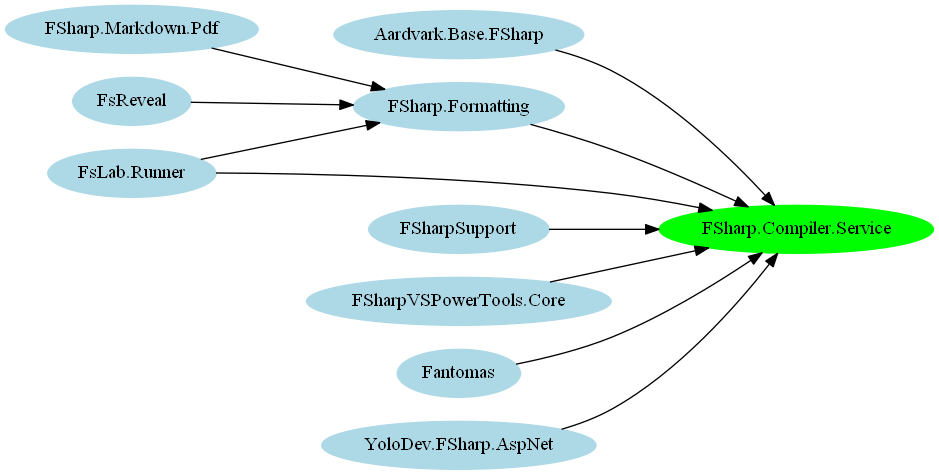
FSharp.Compiler.Service is already deeply incorporated in tooling!
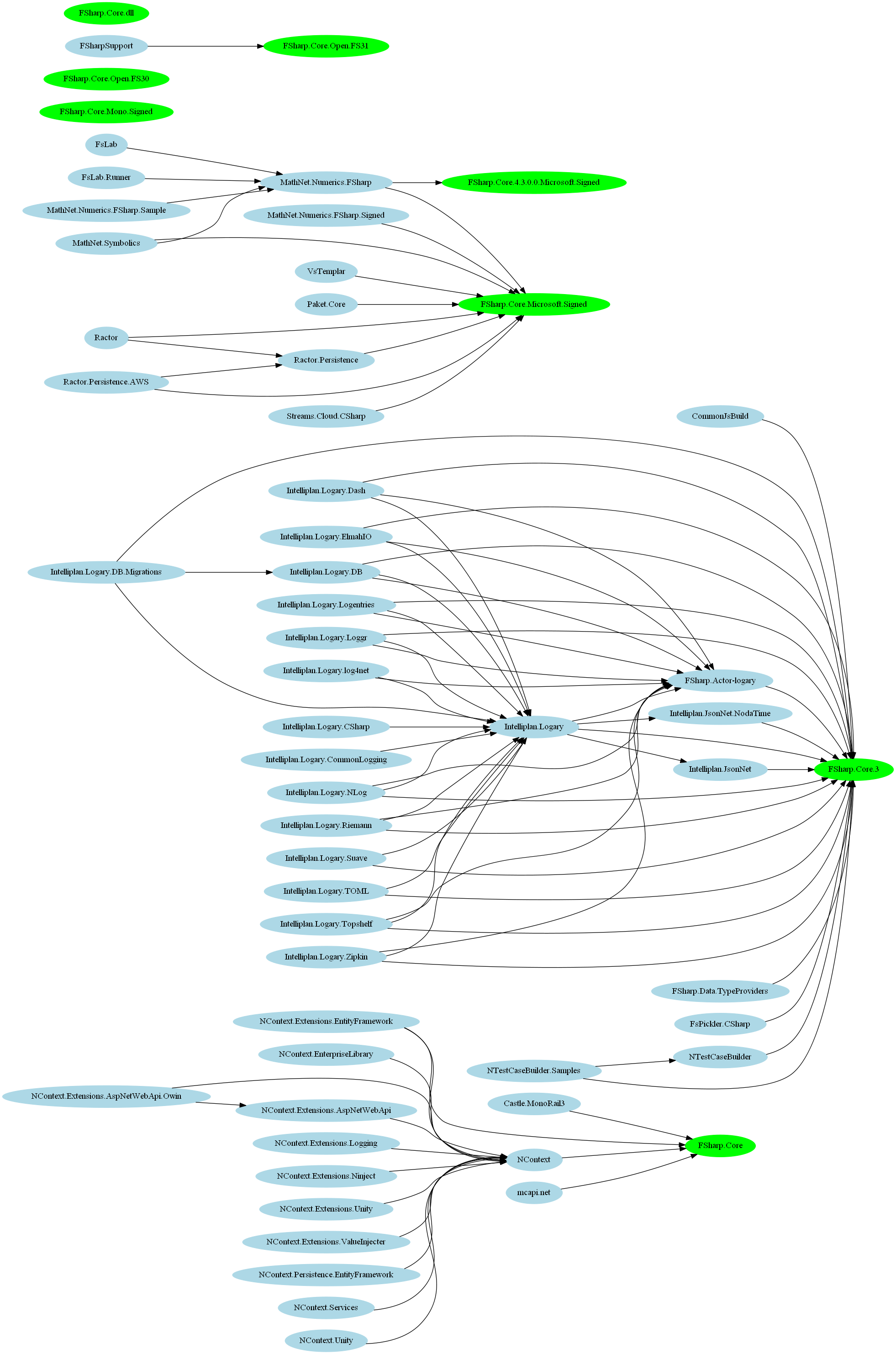
Too many different Fsharp.Core packages of NuGet adopted by different tools.
Too many different Fsharp.Core packages on NuGet adopted by different tools.
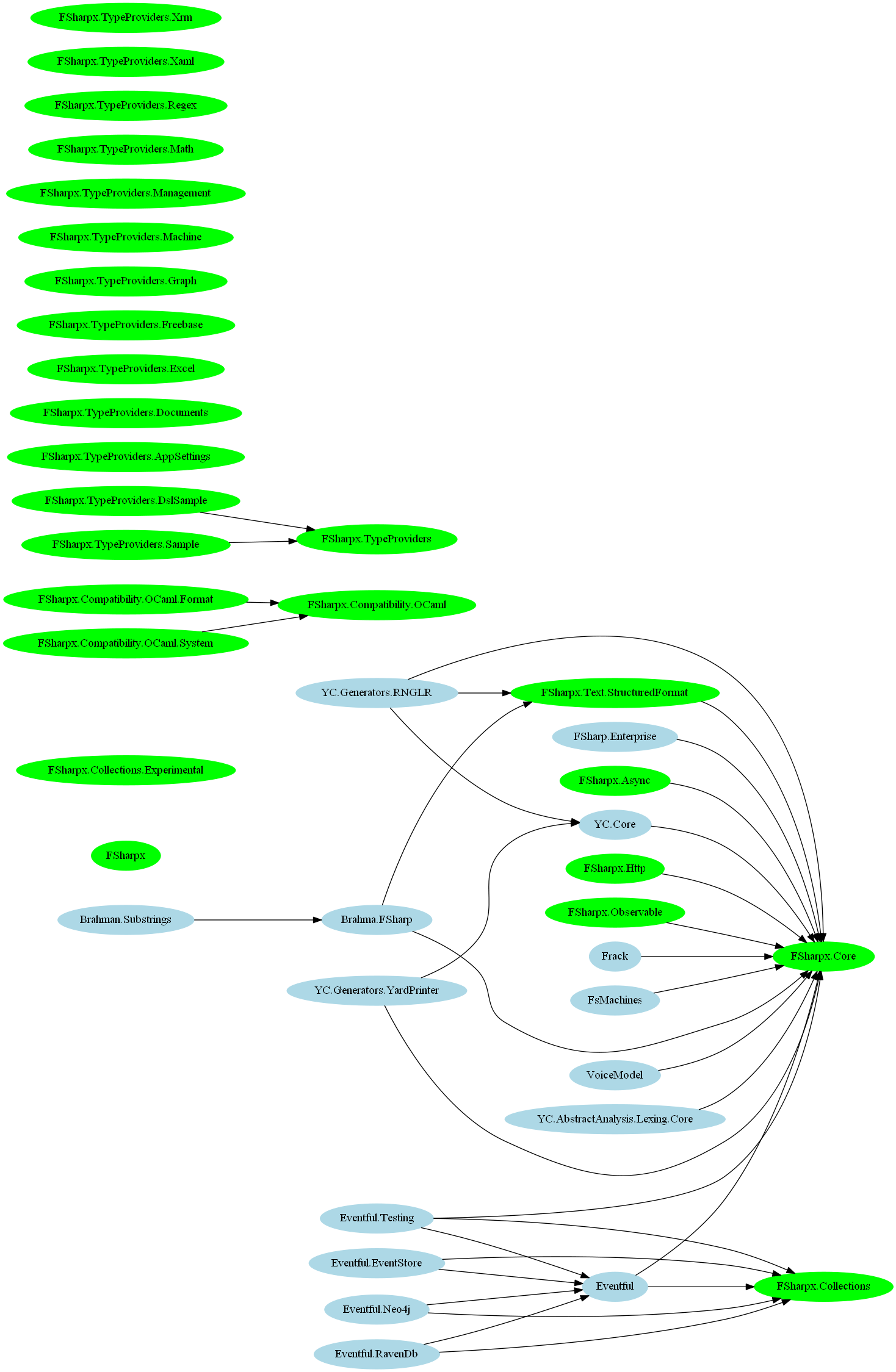
FSharpx is still alive! ;)
FSharpx is still alive! 😉
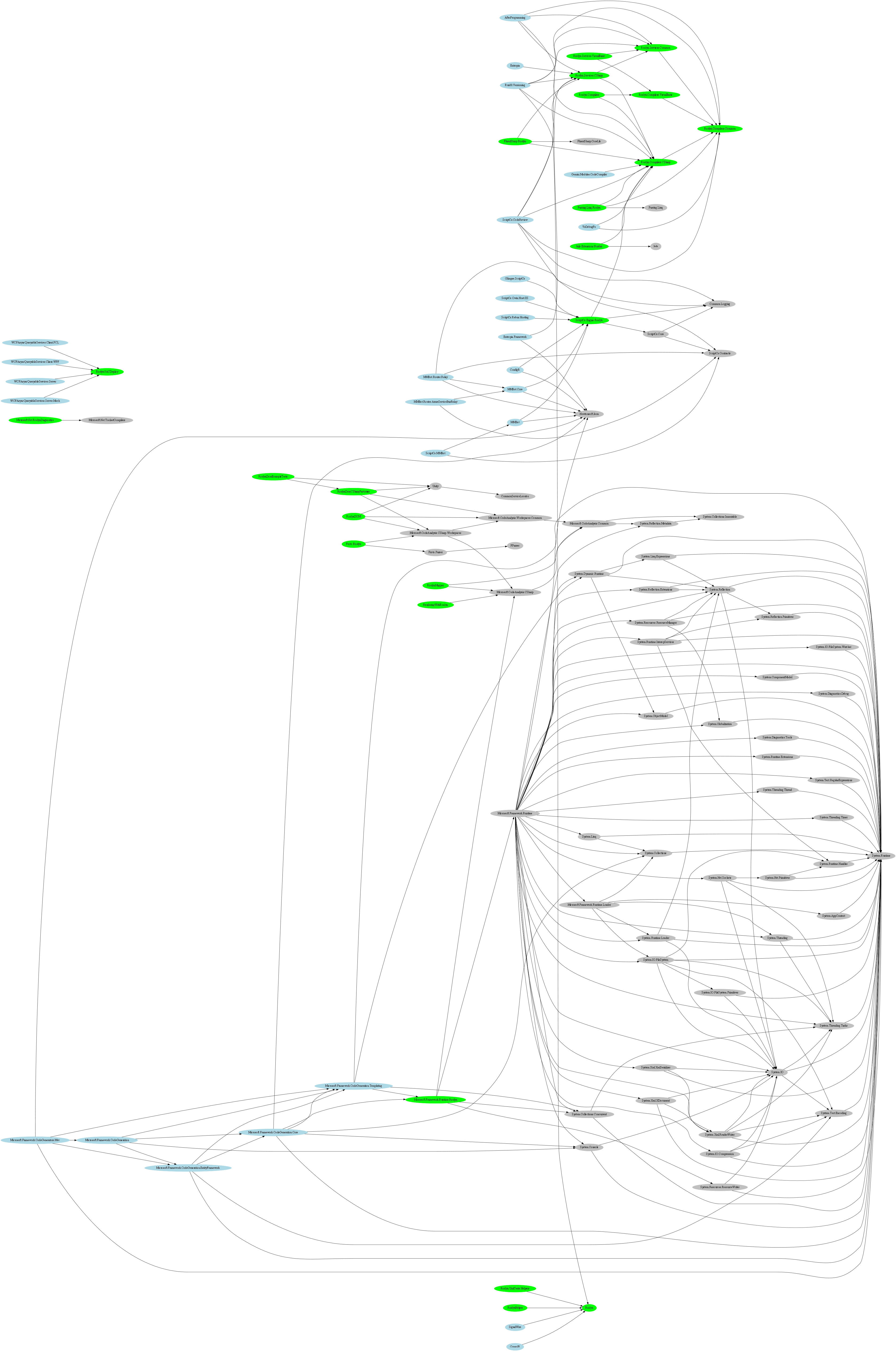
Roslyn.dot
Roslyn ohhhh Roslyn


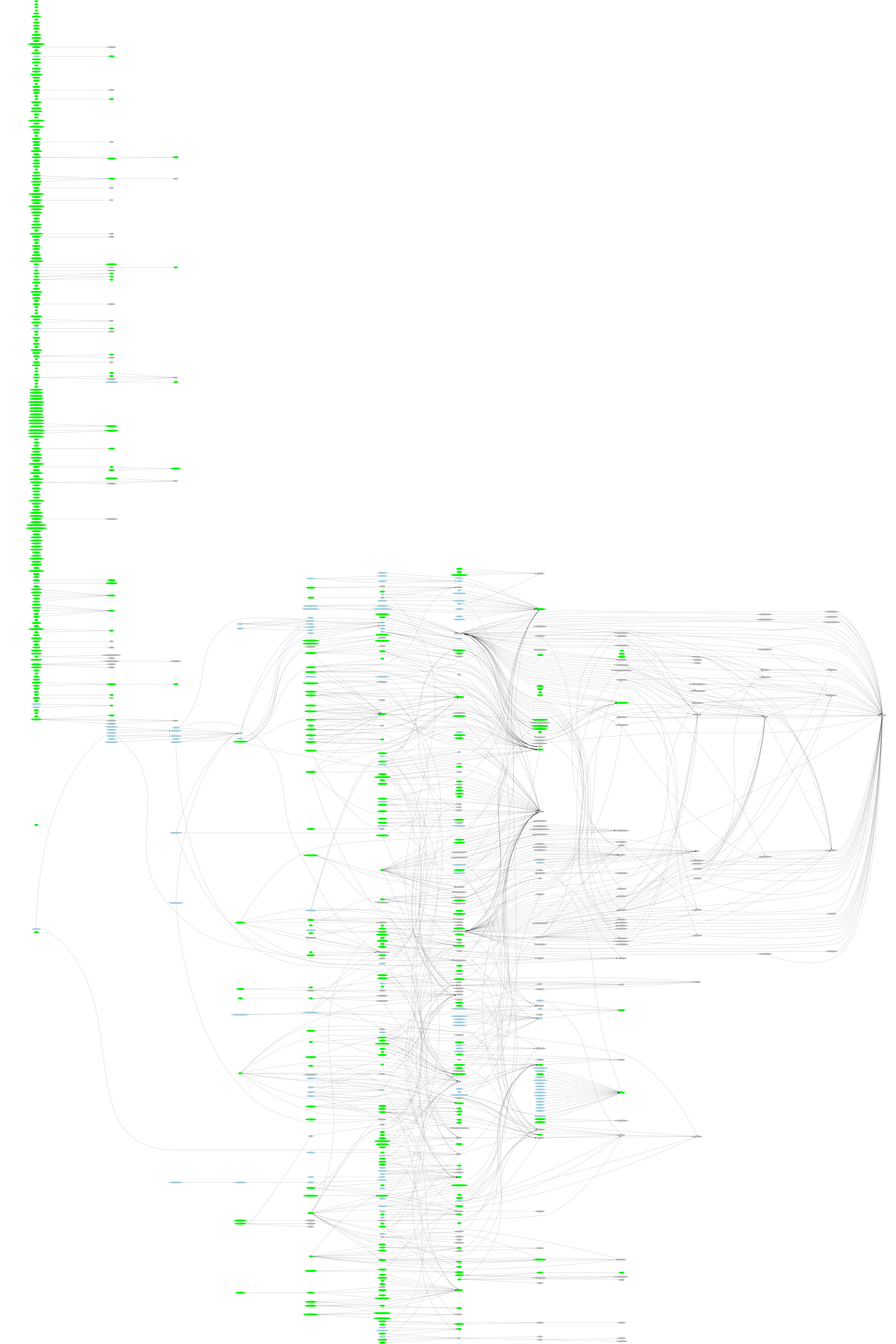
F# Ecosystem is HUGE! (see full svg version here, surry bug without FunScipt ;))
F# Ecosystem is HUGE! (see full svg version here, sorry but without FunScipt ;))

I hope that you’ll also find this script useful and discover something interesting on NuGet.


Lightweight websites with F#

Isaac Abraham's avatarThe Cockney Coder

There are several common approaches I’ve seen people take on the .NET platform when writing web-based applications that I want to review in terms of language and framework choice: –

  • Adopt a conventional MVC application approach. Write static HTML that is emitted from the server using e.g. Razor markup + C# / VB .NET, write your controllers and any back-end logic in C#.
  • As above, but replace your back-end logic with F#. This is a reasonable first step to take, because essentially all your data access “back-end” processing are performed in a language that it’s best suited for, whilst your C# is relegated to essentially thin controllers and some simple markup logic.
  • Adopt a “SPA”-style approach. But this I mean split your web application into two distinct applications – a client-side application that is self-managing, typically using Javascript and some framework like Knockout or AngularJS; meanwhile your back-end is a…

View original post 1,115 more words

F# Kung Fu #4: Avoid using relative paths in #r directives

Today, Vladimir Makarov faced with quite interesting ‘bug'(very unexpected behavior) of FSI. The initial goal was quite simple – count number of NuGet packages, which have “ASP.NET” in title. As a result, there was created a script that perfectly works in compiled form and crashes in FSI, here it is:

#r "../packages/nuget.core.2.8.2/lib/net40-Client/Nuget.Core.dll"
#r "System.Xml.Linq.dll"

let repository =
    NuGet.PackageRepositoryFactory.Default.CreateRepository
        "https://nuget.org/api/v2"

let aspnet = query {
    for p in repository.GetPackages() do
    where (p.Title.Contains "ASP.NET")
    count
}

When we run this in FSI we got an exception

System.ArgumentException: Incorrect instance type
Parameter name: obj
at Microsoft.FSharp.Quotations.PatternsModule.mkInstanceMethodCall(FSharpExpr obj, MethodInfo minfo, FSharpList`1 args)
at Microsoft.FSharp.Quotations.ExprShapeModule.RebuildShapeCombination(Object shape, FSharpList`1 arguments)
at Microsoft.FSharp.Primitives.Basics.List.map[T,TResult](FSharpFunc`2 mapping, FSharpList`1 x)
at Microsoft.FSharp.Linq.QueryModule.walk@933-1[a](FSharpFunc`2 f, FSharpExpr p)
at Microsoft.FSharp.Linq.QueryModule.EvalNonNestedInner(CanEliminate canElim, FSharpExpr queryProducingSequence)
at Microsoft.FSharp.Linq.QueryModule.EvalNonNestedOuter(CanEliminate canElim, FSharpExpr tm)
at Microsoft.FSharp.Linq.QueryModule.clo@1741-1.Microsoft-FSharp-Linq-ForwardDeclarations-IQueryMethods-Execute[a,b](FSharpExpr`1 )
at <StartupCode$FSI_0002>.$FSI_0002.main@() in D:\Downloads\test.fsx:line 4

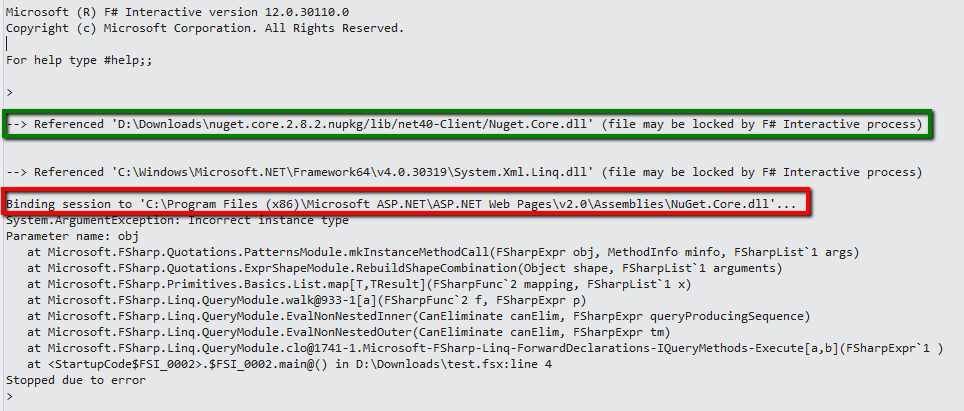
When we looked more carefully to FSI output, we saw that:

nuget.core

WAT? FSI lies to us?! First message says that correct version of DLL was referenced, but then FSI loads completely wrong old version installed with ASP.NET. Why? Let’s check what #r actually does…

#r means to reference by dll-path; focusing on name. This means that FSI will use the file name first, looking in the system-wide search path and only then try to use the string after #r as a directory-relative hint

So that means, #r is not reliable way to reference assemblies. You can get into the situation when your script depends on the environment: assemblies in GAC, installed software (like version of ASP.NET) and so on. To avoid this it is better to explicitly specify an assembly search path (#I) and then reference the assembly:

#I "../packages/nuget.core.2.8.2/lib/net40-Client"
#r "Nuget.Core.dll"
#r "System.Xml.Linq.dll"

let repository =
    NuGet.PackageRepositoryFactory.Default.CreateRepository
        "https://nuget.org/api/v2"

let aspnet = query {
    for p in repository.GetPackages() do
    where (p.Title.Contains "ASP.NET")
    count
}

Thanks to Vladimir Makarov for interesting challenge and be careful in your scripts.

Lexing and Parsing with F# – Part I

logicboost's avatarLogicBoost blog

September 10th 2010 | David Cooksey

Lexing and Parsing with F# – Part 1

FsLex and FsYacc are F# implementations of Ocaml’s Lex and Yacc. They are part of the F# Powerpack released for Visual Studio 2010. Used together, they take an input string and create a parse tree of typed objects. Once you have the parse tree, you can do anything with it—generate code for another language, interpret it directly, etc. If you’d like to jump right into the code, scroll to the bottom of the post. Note that the code includes a small test project using FsUnit.



FsLex is the lexer part of the lexer-parser pair
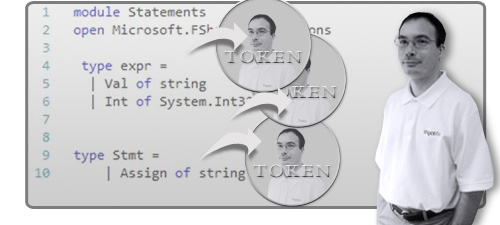
. It converts an input string or stream into a series of tokens. A token is simply a string labeled so that the parser knows how to handle it. For example, ‘92’ might be within a token labeled DIGIT. Simply put, the…

View original post 606 more words

Where to practice your F# with fun?

Recently Scott Wlaschin blogged an excellent post “Twenty six low-risk ways to use F# at work” with guides and samples of how to improve your productivity at work with some of F# tips. But how to train your F# skills? Yes, the best answer is to read excellent F# books and contribute to open sourced F# projects. But it could be not so entertaining if you want to improve your language understanding and practice it in combat. (Nevertheless, contribution to open source is the most useful way)

I have tried to collect all (known to me) online competitions and problem archives that accept source code in F# or do not obligate you to sent source code to the server. This post is inspired by blog post from Alex Ivanovs “14 Coding Challenges to Help You Train Your Brain“.

Resources that support F# compilation.

HackerRank

Competitive programming challenges and contests across computer science.

HackerRank

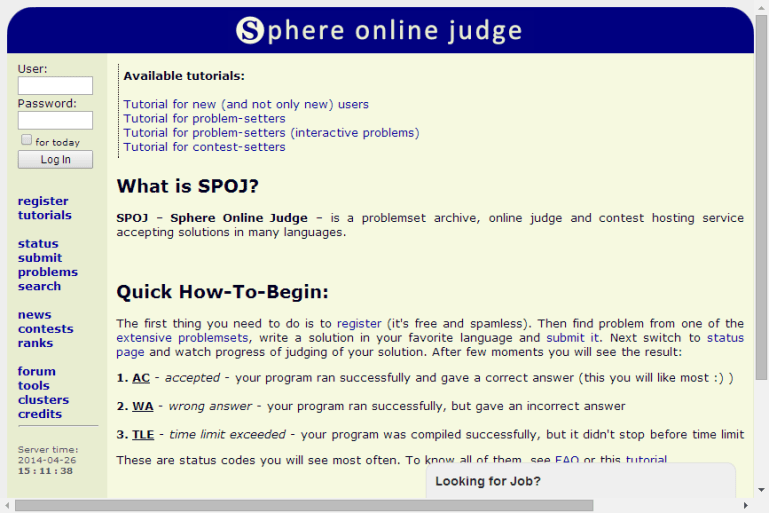
SPOJ(Sphere Online Judge)

Sphere Online Judge – is a problemset archive, online judge and contest hosting service accepting solutions in many languages.

spoj

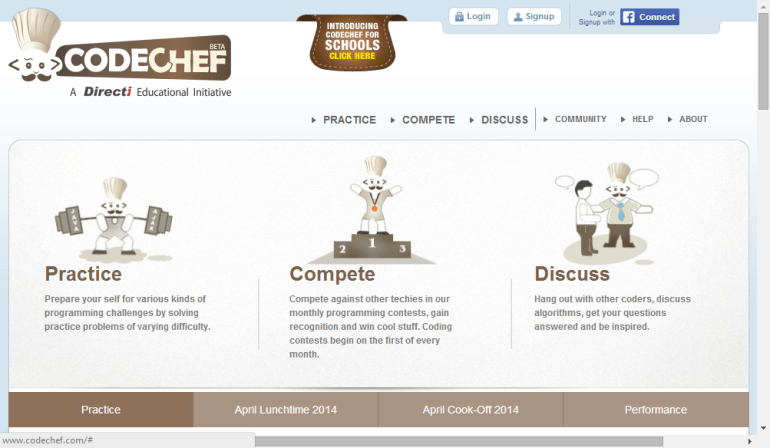
CODECHEF

CodeChef is a global programming community. They host contests, trainings and events for programmers around the world.

chef

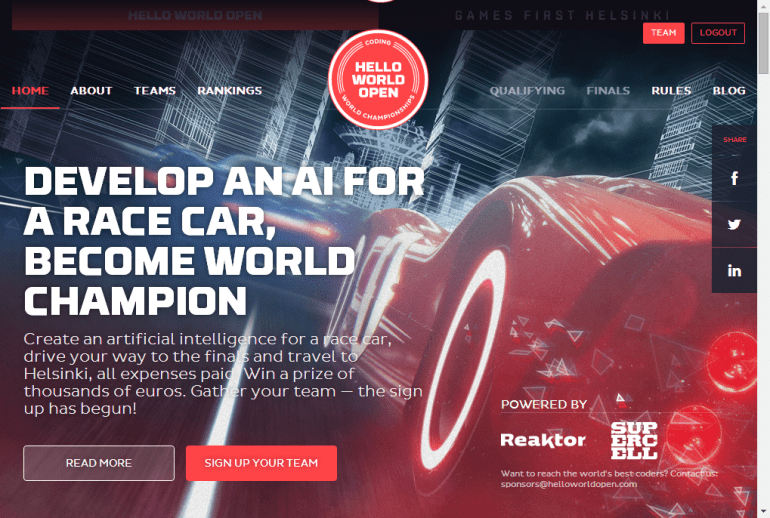
 Hello World Open

helloWorldOpen

Language independent resources.

Sites that ask to solve problems and provide the answer but do not obligate you to send source code.

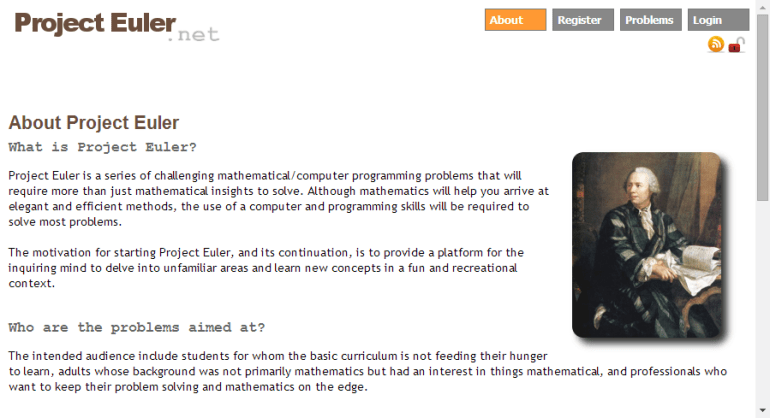
Project Euler

Project Euler is a series of challenging mathematical/computer programming problems that will require more than just mathematical insights to solve. Although mathematics will help you arrive at elegant and efficient methods, the use of a computer and programming skills will be required to solve most problems.

Euler

Rosalind

Rosalind is a platform for learning bioinformatics through problem solving.

rosalind

Google Code Jam

Google Code Jam is onсe a year competition. It is back in action challenging professional and student programmers around the globe to solve difficult algorithmic puzzles.

CodeJam_2014

Kaggle

Kaggle is a platform for predictive modelling and analytics competitions on which companies and researchers post their data and statisticians and data miners from all over the world compete to produce the best models.

kaggle

P.S. If you know other competitions or training sites that support F# please leave links in comments.

Notes from .NET Meetup #4 & F# ad

Today I first visited an event from .NET User Group Minsk: .NET Meetup #4 in Imaguru startup hub. I was quite surprised by F# questions from audience!

The first speaker Dmitriy Gurskiy told us a history of creation EPAM‘s Microsoft Technology Radar (that is unfortunately not public yet). A first F# question was asked here “Where is F#(and all this functional stuff) on this radar?”.  Alas, but F# was not there.

The second speaker Alius Petraška (a guest from Lithuania) showed up how to start developing with Windows Azure. Some technical issues with Wi-Fi were there, but it was funny.

The last and third speaker Maxim Paulousky shared news from BUILD 2014 and his impressions from this event. At the end of his talk, he also got some questions about F#: “What was announced about F#?”, “What plans Microsoft has for F#?” and “Why we do not have F# projects in Minsk?”.

It was really unexpected to hear so much interest to F#. Nice to know that F# is interesting for people.

For those who interested in F#, I want to tell that we have Minsk F# User Group: you can join us on meetup.com, join our Facebook group, join our Skype group or follow #fsharp on Twitter.

P.S. Thank for the event to all organizers. It was cute.