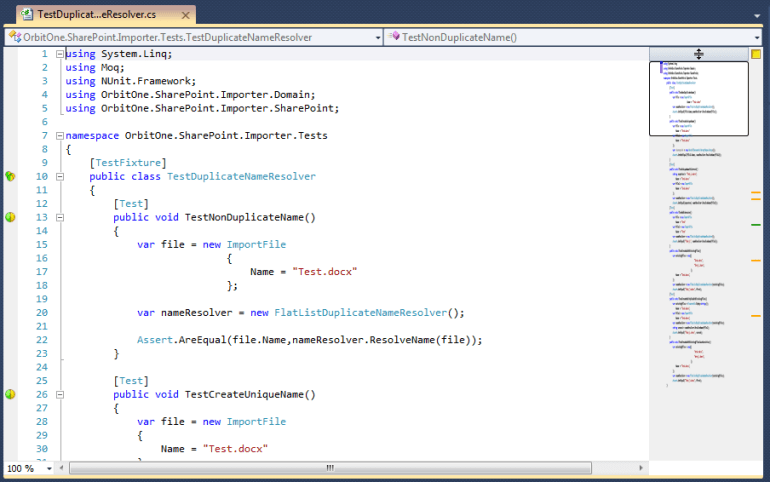
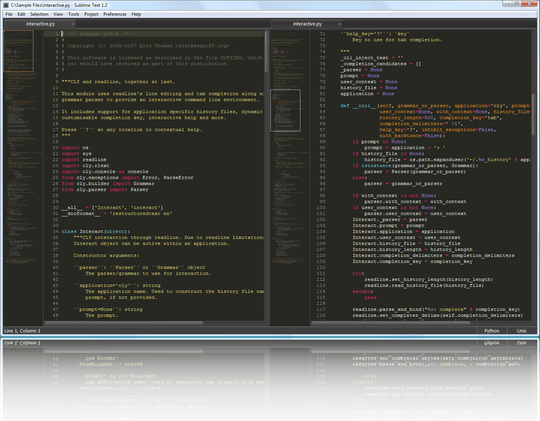
When I saw a Sublime Text 2 with their features at first time – I loved that. One of my favorite feature is a minimap. It is a simple but very powerful idea to replace scrollbar with minimized code map. Using this feature very easy navigate directly to where you want.
I wanna this feature for Visual Studio for sure. Fortunately, it is already there. It is a part of the Productivity Power Tools.
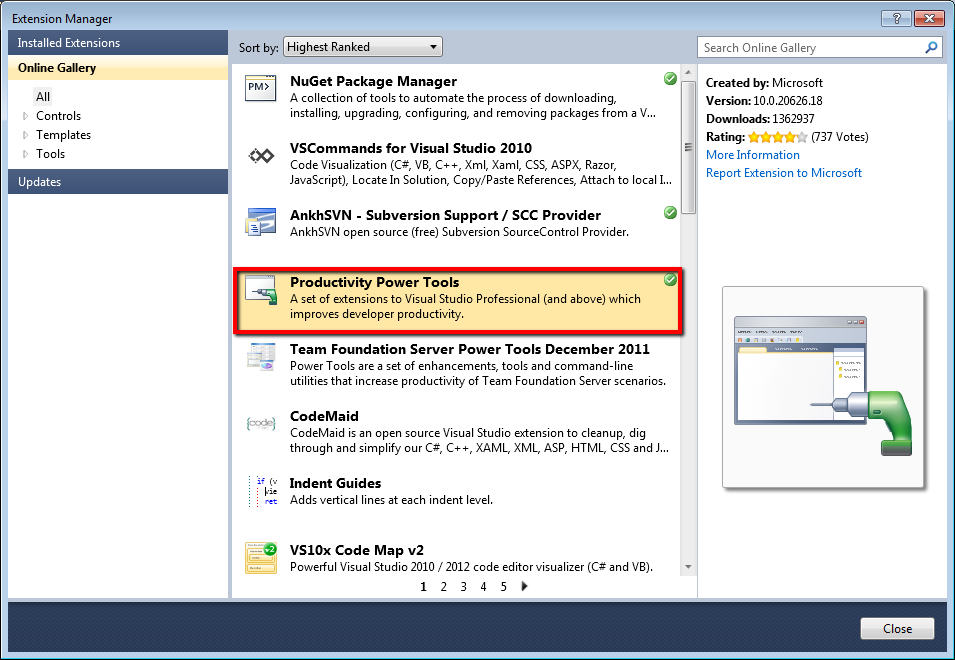
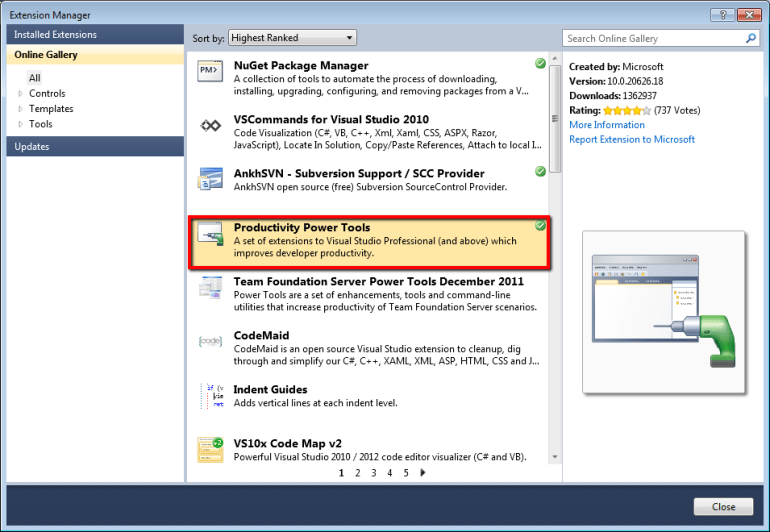
First of all we need to setup Productivity Power Tool using Visual Studio Extension Manager.
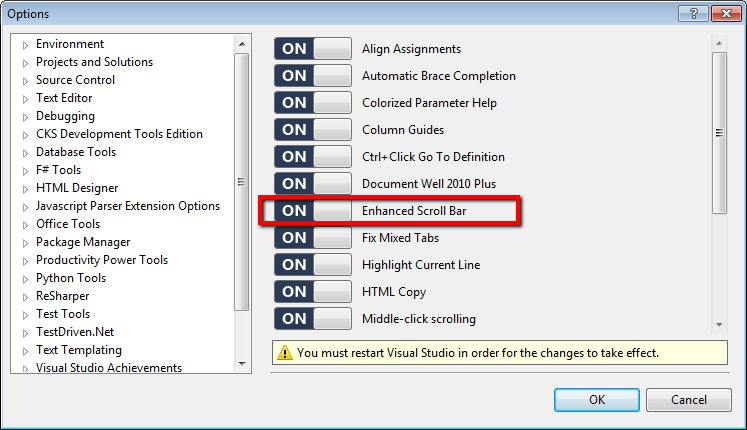
We need to enable this feature, because it is disabled by default. Open Tool -> Options -> Productivity Power Tools, enable Enhanced Scroll Bar and restart your Visual Studio.
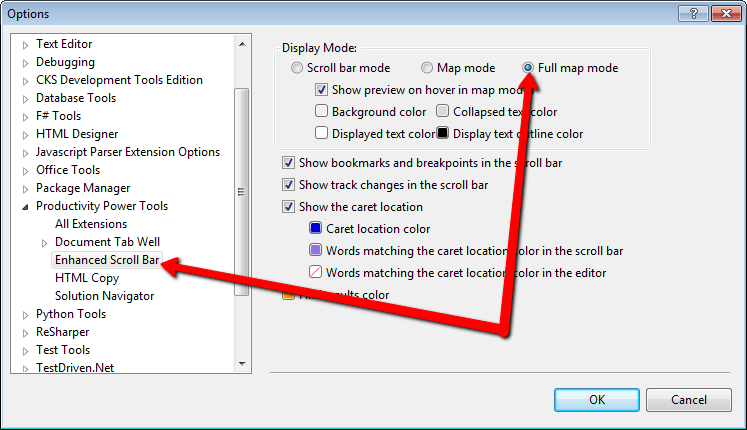
Choose ‘Full map mode‘ in the Productivity Power Tools->Enchanced Scroll Bar section.
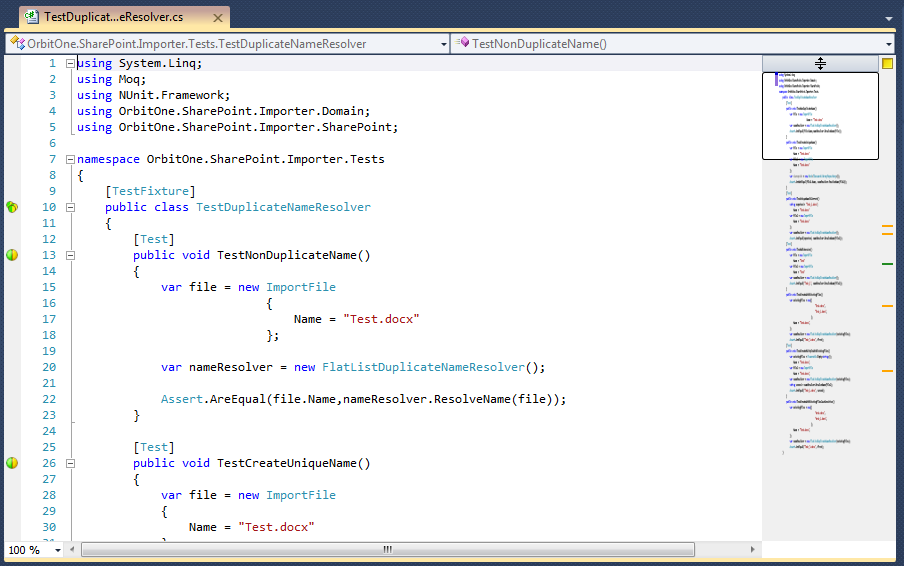
You should see minimaps in your Visual Studio now. Enjoy it!!!